
CleanMyMac Review: Does Your Mac Actually Need a Cleaner?
CleanMyMac by MacPaw is a slick maintenance dashboard: junk cleanup, a malware scan, an app uninstaller and a large-file finder in one window. It's genuinely useful as an uninstaller and malware scanner, less essential as a pure junk cleaner, since macOS already handles a lot of that itself. Score: 3.9/5.
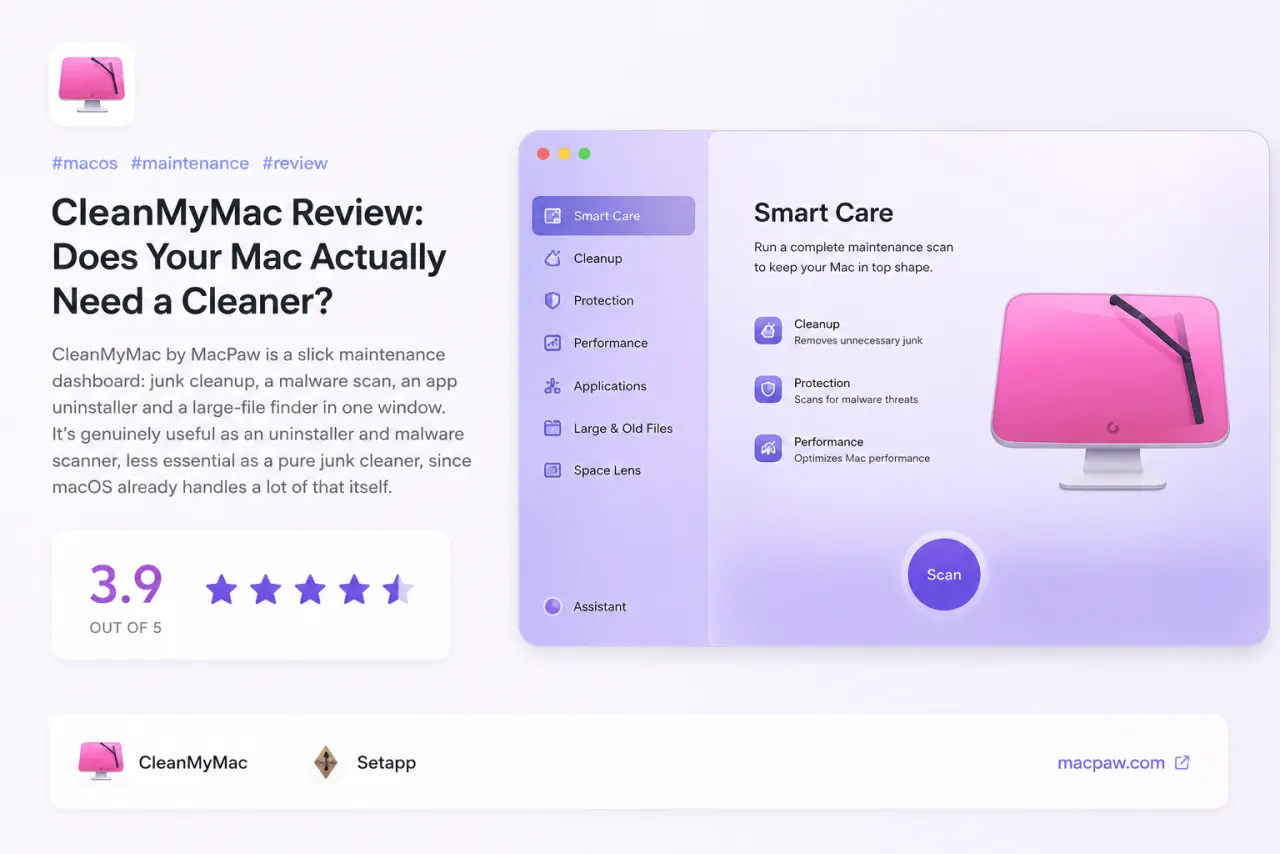
CleanMyMac by MacPaw is a slick maintenance dashboard: junk cleanup, a malware scan, an app uninstaller and a large-file finder in one window. It's genuinely useful as an uninstaller and malware scanner, less essential as a pure junk cleaner, since macOS already handles a lot of that itself. Score: 3.9/5.
Mac cleaners have a reputation problem. For years the loudest advice online was "you don't need one, macOS cleans up after itself." That's mostly true. So the interesting question with CleanMyMac isn't whether it's pretty (it is), it's whether any of it earns a spot on your Mac.
What's actually in the box
CleanMyMac is really a dashboard over a handful of separate tools:
- Smart Care, which bundles junk cleanup, malware scanning and maintenance into one button
- A malware scanner built on MacPaw's Moonlock engine
- An uninstaller that pulls apps out along with their leftover files
- A large and old files finder for clawing back disk space
- Menu-bar widgets for RAM, CPU and free storage
The parts that are genuinely useful
The uninstaller is the standout. Dragging an app to the Trash leaves behind caches, preferences and support files, and CleanMyMac rounds those up properly. The large-files finder is the other one I'd actually open on purpose, especially on a 256 GB MacBook where every gig counts. The malware scan is a reasonable second opinion too, even if most people will never need it.
The parts you can probably skip
The headline "you have 14 GB of junk" number is the weakest part of the pitch. A lot of what it wants to clear is cache that macOS would have rebuilt or cleared anyway, so the dramatic figure flatters itself a bit. It's safe, it just isn't the life-changing speed boost the marketing implies.
Treat CleanMyMac as a tidy control panel for jobs you'd otherwise do by hand, not as a magic "make my Mac fast" button.
Price and the catch
It's a subscription now, roughly $35 a year, with a lifetime option that pops up from time to time. If you already pay for Setapp, it's included, which is the cheapest way in. The one thing to watch is the menu-bar app, which can get a little nudgy about running scans.
Verdict
If you like having one polished window for uninstalling apps, scanning for malware and hunting down big files, CleanMyMac is the nicest version of that there is. If you're happy in Finder and the occasional Terminal command, you can skip it without missing much.
Apps in this review
Frequently asked questions
Is CleanMyMac safe to use?
Yes. It's notarized by Apple and its malware scan uses MacPaw's Moonlock engine. It always shows you what it found and asks before removing anything, so read the list before you click clean.
Do you really need a cleaner on a Mac?
Not strictly. macOS clears most caches on its own. CleanMyMac earns its place more as an uninstaller, malware scanner and large-file finder than as a pure junk remover.
Is CleanMyMac free?
There's a free trial with a cleanup limit. Full use is a subscription of around $35 a year, and it's also bundled with a Setapp membership.